

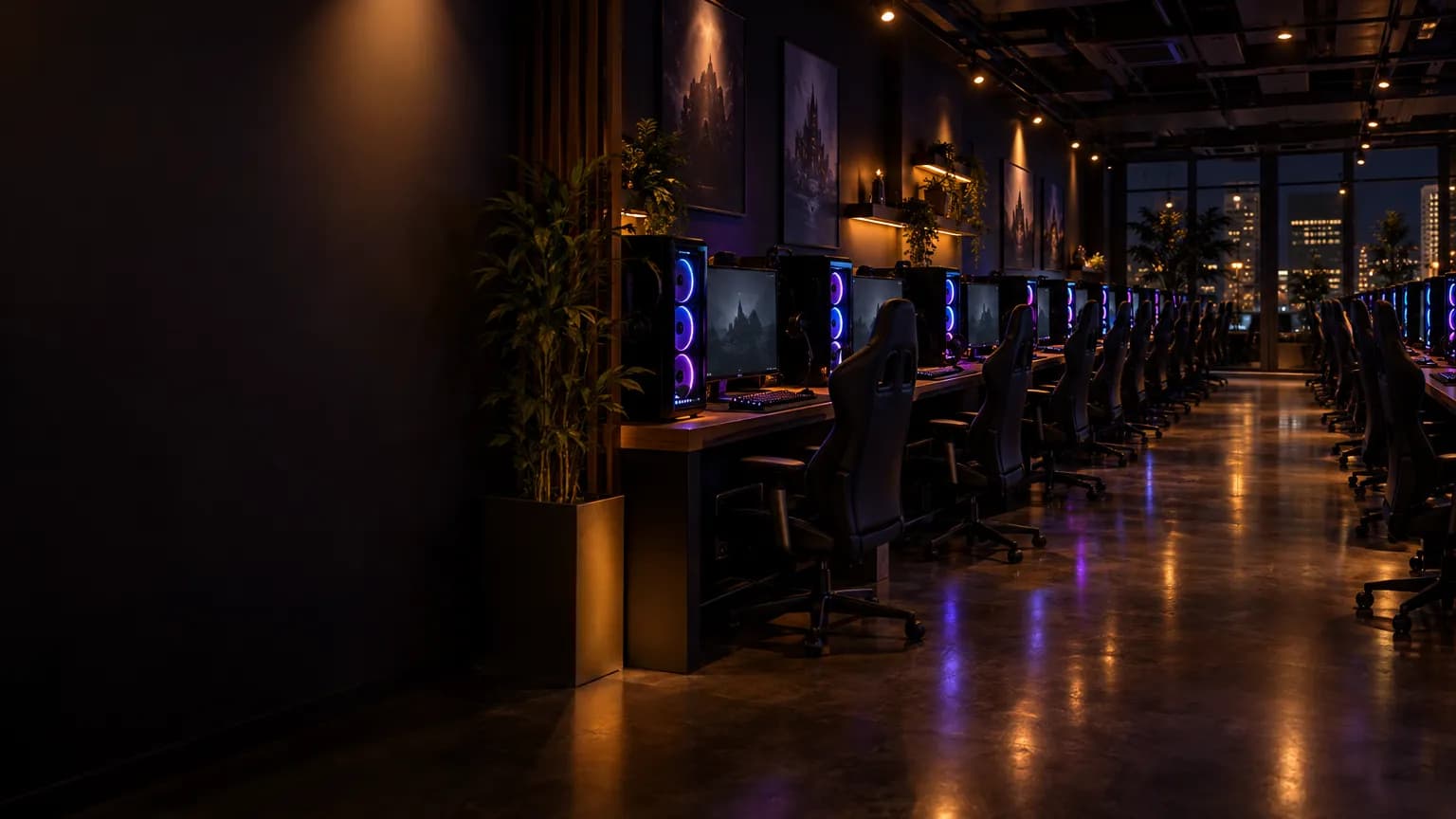
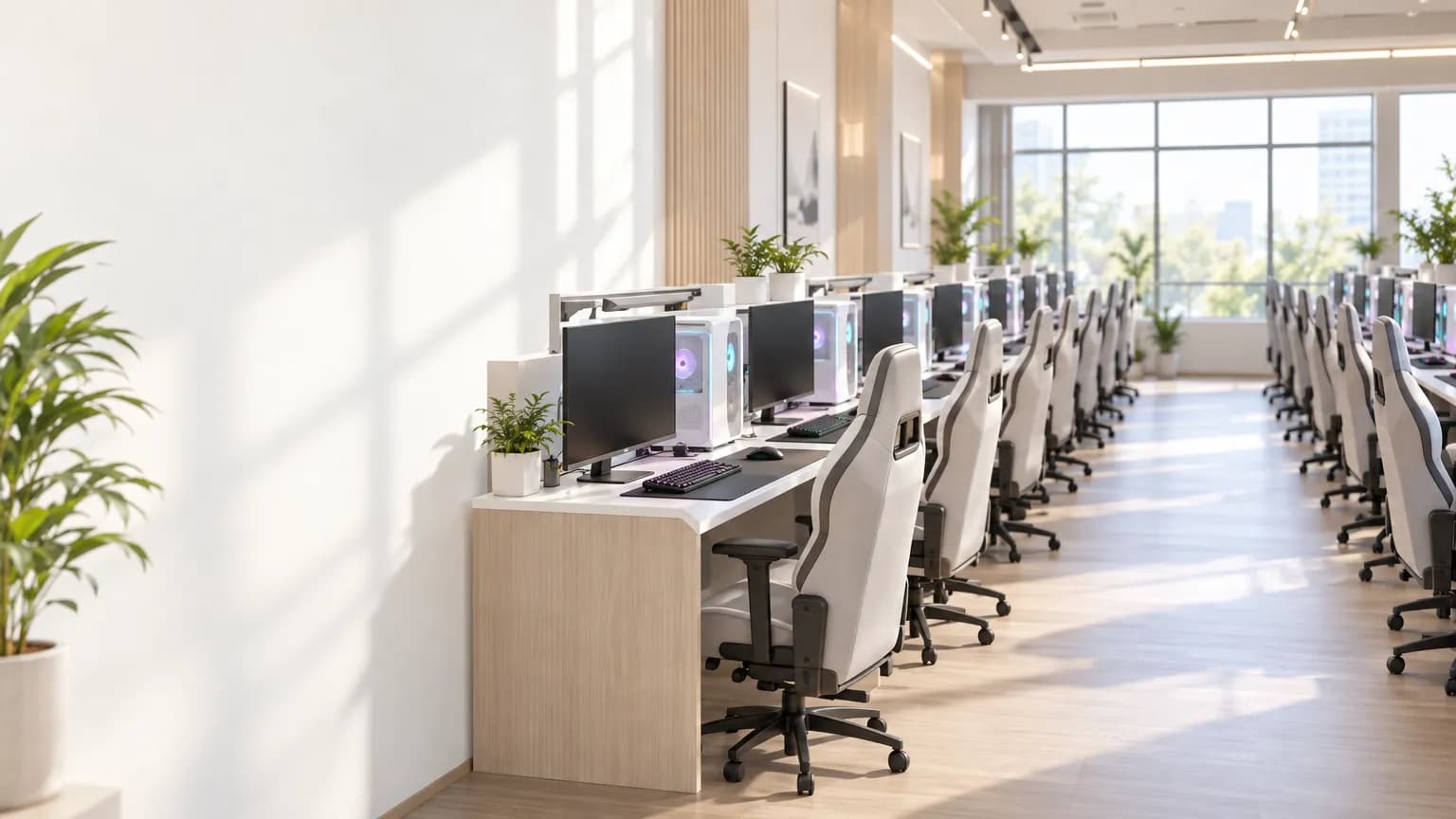
Kinesis Marketplace · For gaming cafes, LAN centers and institutions
Your floor can earn after closing. Same PCs, new revenue line.
Kinesis rents out your PCs' idle hours to AI and rendering customers and fills the gaps with our own work, so every PC keeps earning, from a cafe floor to a campus lab. No new hardware, no customers to chase.
Your floor, around the clock
Watch every empty seat go to work.
Your customers always come first. Whenever a seat is free, after closing or for half an hour between two customers, it earns: rented out, or filled with our own work.
Your floor · 32 PCs · RTX 4060
09:30
Your floor has made today
$16
- Your customers play0
- Rented31
- Filler work1
An example day with customers from 10:00 to about 03:00, at current rates, before electricity. An estimate, not guaranteed.
Every free hour
We put your idle time to work. Any time, even between two customers.
A seat doesn't have to sit empty all night to earn. The moment a customer gets up, the PC can pick up filler work (our own jobs that fill the hours nobody rents), and it hands the seat back the moment the next one sits down. After closing, longer rentals take over until you open again.
- A customer sits down: the PC is theirs again, right away, even in the middle of a job.
- A gap between two customers, even half an hour, is filled with our own work.
- Overnight, your floor is rented out in one or two long sessions.
One seat · a typical day
- Your customers play
- Rented
- Filler work
Close up · 14:00 to 15:30
Half an hour between two customers. Filler work takes it.
Rented out or filled with our work, the hours you don't use keep earning.
Calculator
Run the numbers for your floor.
Add the GPUs on your floor, set the hours they are free, and see the monthly revenue and what each seat adds.
It starts with a typical cafe floor: 12 × RTX 4060 and 8 × RTX 4070. Change it to match yours.
- RTX 50508 GB$0.056/hFiller work $0.028/h
- RTX 50608 GB$0.088/hFiller work $0.048/h
- RTX 5060 Ti16 GB$0.096/hFiller work $0.044/h
- RTX 507012 GB$0.132/hFiller work $0.08/h
- RTX 5070 Ti16 GB$0.216/hFiller work $0.08/h
- RTX 508016 GB$0.28/hFiller work $0.12/h
- RTX 509032 GB$0.488/hFiller work $0.244/h
- RTX 40608 GB$0.064/hFiller work $0.032/h
- RTX 4060 Ti16 GB$0.104/hFiller work $0.048/h
- RTX 407012 GB$0.128/hFiller work $0.052/h
- RTX 4070 SUPER12 GB$0.144/hFiller work $0.06/h
- RTX 4070 Ti12 GB$0.16/hFiller work $0.064/h
- RTX 4070 Ti SUPER16 GB$0.216/hFiller work $0.084/h
- RTX 408016 GB$0.216/hFiller work $0.108/h
- RTX 4080 SUPER16 GB$0.24/hFiller work $0.104/h
- RTX 409024 GB$0.312/hFiller work $0.148/h
- RTX 30508 GB$0.024/hFiller work $0.012/h
- RTX 306012 GB$0.056/hFiller work $0.024/h
- RTX 3060 Ti8 GB$0.08/hFiller work $0.04/h
- RTX 30708 GB$0.104/hFiller work $0.044/h
- RTX 3070 Ti8 GB$0.152/hFiller work $0.076/h
- RTX 308010 GB$0.136/hFiller work $0.056/h
- RTX 3080 Ti12 GB$0.136/hFiller work $0.072/h
- RTX 309024 GB$0.16/hFiller work $0.08/h
- RTX 3090 Ti24 GB$0.248/hFiller work $0.108/h
Your setup · GPUs: 20
- 12 × RTX 4060
- 8 × RTX 4070
- Rented hours$1.792/h
- $491
- Filler work$0.80/h
- $24
Estimated earnings
$515/month
$26 per seat/month$6,179 per year
Assumes 10 h free a day, 90% of it rented and filler work in the rest, before electricity. An estimate, not guaranteed.
How pay works
Exactly how you get paid.
The whole picture in one place: what you are paid for, how the rates are set, what Kinesis earns and how the money reaches you.
- Rented hours
- When a customer rents your GPU, you are paid that GPU model's rental rate for every hour it runs. Rentals pay the most, so we fill your hours with them first.
- Filler work
- When no one is renting, we fill the rest of the time with our own work and pay you for every hour of it, until a rental comes in. It pays less per hour than a rental: each GPU model has its own filler rate, and it moves with market conditions.
- What Kinesis earns
- Kinesis runs the marketplace. We give you the platform, keep the books, and run filler work and pay you for it. In return, Kinesis takes a small share of what customers pay. We make more when your machine is rented than when it runs filler, so we work to get it rented.
- Every hour on your statement
- Each line shows the machine, the hours, rented or filler work, the rate and what you made, so you can check every hour.
- How the money reaches you
- You are paid in USDT or by direct bank transfer, typically once a week. Large providers can be paid daily. There is no minimum payout.
Your statement · one day
- Rented
- Filler work
- Your customers play
| Time | Work | Rate | Amount |
|---|---|---|---|
| Machine 1 · RTX 4060 | |||
| 03:00–08:30 | Rented | $0.064 | $0.35 |
| 08:30–09:00 | Filler work | $0.032 | $0.02 |
| 09:00–10:00 | Rented | $0.064 | $0.06 |
| 14:30–15:00 | Filler work | $0.032 | $0.02 |
| 21:00–21:30 | Filler work | $0.032 | $0.02 |
| Subtotal | $0.47 | ||
| Machine 2 · RTX 4070 | |||
| 02:00–02:30 | Filler work | $0.052 | $0.03 |
| 02:30–10:00 | Rented | $0.128 | $0.96 |
| 14:00–14:30 | Filler work | $0.052 | $0.03 |
| 14:30–16:30 | Rented | $0.128 | $0.26 |
| Subtotal | $1.28 | ||
| You made | $1.75 | ||
An example day at current rates, before electricity. An estimate, not guaranteed.
Got a back room?
Machines that never switch off earn more.
If a few spare or older PCs can stay on around the clock in a back room, with no customers at them, get them verified as always-on machines. You are paid that GPU model's rate for every hour it works, and an always-on machine can be rented around the clock, so it earns for many more hours a day than a seat on your floor. Talk to us and we will set them up.
- Your customers play
- Rented
- Filler work
Hours it can earn a day
A seat on your floor
An always-on machineVerified
Ready to put your floor to work?
Tell us how many PCs you run and which GPUs. We will show you what they could earn.